What is GMB (Google My Business)? | The Ultimate Guide by GMB Expert Solutions
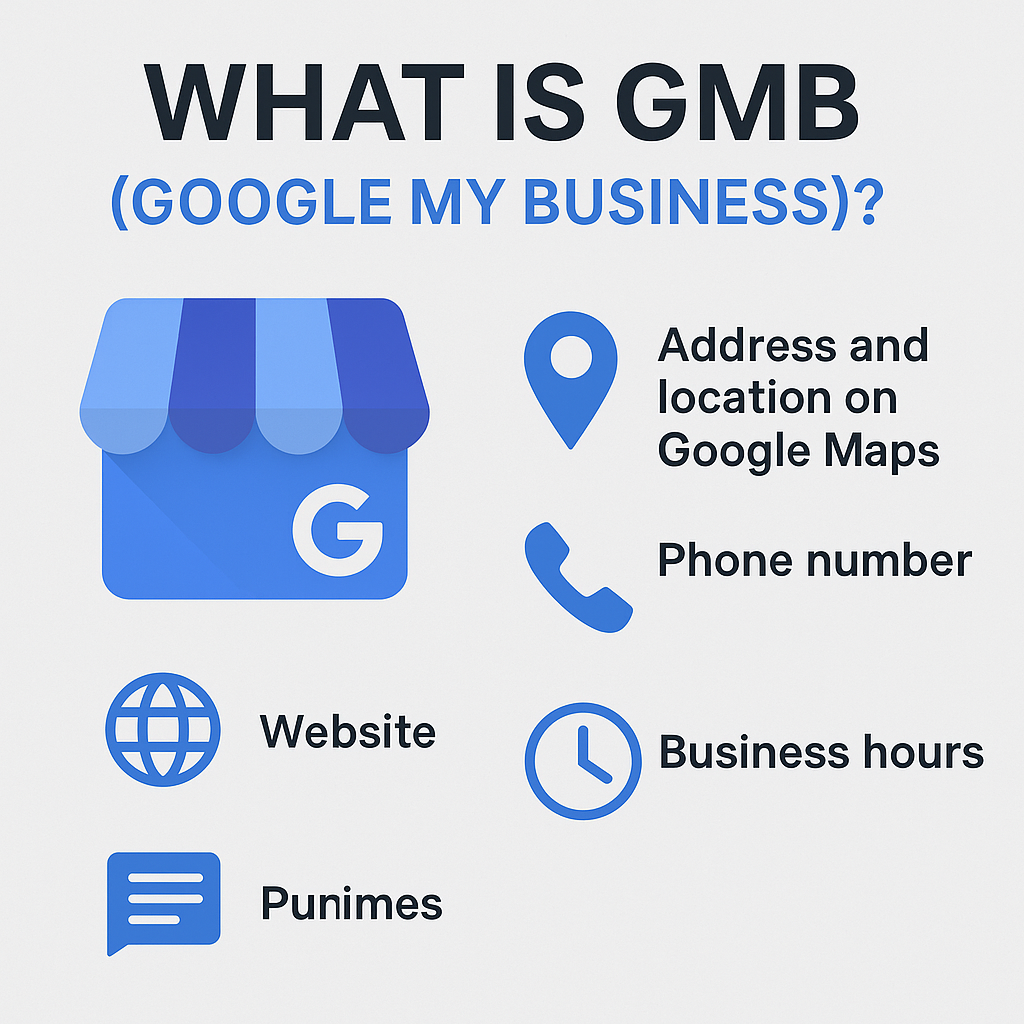
In today’s digital-first era, customers rely heavily on Google to discover, evaluate, and contact local businesses. Whether someone is looking for the best salon near me, top pest control service, or electric scooter showroom in West Bengal, the first results they see are powered by Google My Business (GMB)—now officially called Google Business Profile (GBP). This blog by GMB Expert Solutions, one of the best Google Certified GMB Experts in India, provides a complete breakdown of what GMB is, how it works, how to set it up, how to optimize it for local SEO, and how to fix issues like GMB suspension or number updates. What is Google My Business (GMB)? Google My Business (GMB) is a free and powerful online listing tool by Google that helps businesses manage how they appear in Google Search and Google Maps. With a GMB profile, you can: Display your business name, address, and contact number Share your business hours and website link Upload photos, videos, and updates Manage customer reviews Post offers, events, or promotions Enable direct messaging and bookings A verified GMB profile acts as your digital storefront, available 24/7 to attract nearby customers. Why Google My Business Is Important for Every Business? Here’s why every business—big or small—must have an optimized GMB profile: 1️⃣ Increases Local Search Visibility When people search for terms like “best digital marketing agency near me” or “restaurant in Mohali”, Google shows the top three relevant GMB listings in the Local 3-Pack—prime real estate that drives maximum clicks and calls. 2️⃣ Builds Trust and Credibility A verified GMB profile with consistent details, authentic reviews, and photos establishes trust and reliability, increasing customer confidence. 3️⃣ Drives Real Customer Actions GMB listings enable direct actions like: One-tap calls Directions via Google Maps Visits to your website Booking appointments or sending messages 4️⃣ Enhances Local SEO Google uses your GMB profile to understand your location, category, and services—which helps rank your business higher for local searches. 5️⃣ Offers Data-Driven Insights You can track: How many users viewed your listing What keywords they searched for Where they discovered you (Maps/Search) How many calls, website visits, and direction requests were made This data helps improve your local marketing strategy. How to Set Up Your Google My Business (GMB) Profile – Step-by-Step Guide Creating your GMB profile correctly is crucial. Here’s a step-by-step guide: 🔹 Step 1: Sign In to Google Business Visit https://www.google.com/business/ and sign in using your Gmail account. 🔹 Step 2: Add Your Business Name Enter your official business name exactly as it appears on your signage or branding. Avoid keyword stuffing — Google may flag it. 🔹 Step 3: Choose the Right Category Select a primary business category (e.g., Electric Vehicle Dealer, Pest Control Service, Digital Marketing Agency, etc.). You can add secondary categories later for additional services. 🔹 Step 4: Add Your Business Location If customers visit your store, add your complete address and pinpoint it on Google Maps. If you offer home or delivery services, you can choose “I deliver goods and services to my customers.” 🔹 Step 5: Enter Contact Information Add your business phone number, website URL, and email address (if applicable). Ensure your NAP (Name, Address, Phone) details are consistent across all online listings. 🔹 Step 6: Add Business Hours Mention your accurate working hours. Keep them updated during holidays or special occasions. 🔹 Step 7: Verify Your Business Verification methods include: Postcard verification (most common) Phone verification Email verification Instant verification (for some businesses) Once verified, your profile becomes active and visible on Google Search & Maps. 🎯 Advanced GMB Optimization Tips (By Certified GMB Experts) After creating your listing, optimization is the next step to ensure you rank higher and attract targeted customers. Here are professional optimization techniques used by GMB Expert Solutions: ✅ 1. Optimize Your Business Description Write a keyword-rich yet natural description. Example: “GMB Expert Solutions is a Google-certified digital agency specializing in Google My Business optimization, local SEO, and GMB suspension removal services across India.” Include main keywords like GMB Expert, GMB Optimization, Local SEO Specialist, and Google My Business Management. ✅ 2. Upload High-Quality Images Businesses with photos get 200% more direction requests and 90% more calls than those without. Upload images of your: Office/storefront Products or services Team Interior setup Tip: Add geotagged photos for local ranking boosts. ✅ 3. Use GMB Posts Regularly Google favors active profiles. Post weekly updates about: Offers & discounts New product launches Customer success stories Before-after results Blog snippets ✅ 4. Manage Reviews Professionally Reviews are the backbone of trust: Encourage happy clients to leave 5-star reviews Respond to every review — good or bad Avoid fake reviews; Google can penalize them Example response: “Thank you for your feedback! We’re glad our GMB optimization service helped improve your business visibility.” ✅ 5. Add Products and Services Use the “Services” or “Products” tab to showcase your offerings with clear pricing, descriptions, and images. This boosts engagement and conversions. ✅ 6. Maintain Consistency Across the Web Ensure your business information is identical across all platforms (Facebook, Yelp, Justdial, etc.) for better SEO signals. ✅ 7. Enable Messaging and Booking Enable the Chat feature for direct communication. Businesses that respond quickly often rank better. ⚠️ Common GMB Issues and How to Fix Them Many businesses face technical or policy-related issues with their GMB listings. Here’s how GMB Expert Solutions can help fix them: 🚫 1. GMB Suspension Your listing may be suspended if: You used a virtual office or P.O. box Your business name or category violates Google policy You added duplicate listings You received fake reviews Solution: Our GMB Suspension Removal Service ensures your listing is reinstated safely, following Google’s guidelines. 📞 2. GMB Phone Number or Address Update If your business has moved or your number changed, it’s essential to update your GMB profile immediately. Our experts handle number change requests, re-verification, and address updates without losing rankings. 🧩 3. Duplicate Listings Having multiple listings can harm your


